iPhone Heating Issue Repair Cost in Bangalore - Affordable Expert Service at HelloRe
Book a service with our experts and get your device serviced at your home. We take care of all device issues like screen damage, battery, speaker, charging, and a lot more.
Your Queries, Our Expertise
How Can We Assist You Today?
Experiencing excessive heat from your iPhone device can be concerning and uncomfortable. While smartphones can generate heat during heavy usage or charging, persistent overheating may indicate underlying issues that need attention. At HelloRE, we understand the frustration of iPhone heating problems and are here to provide insights into the causes, DIY solutions, and how our professional services can help resolve them.
At HelloRE, we understand your frustration and inconvenience caused by iPhone heating problems. Our mission is to provide comprehensive insights into the causes of overheating, offer DIY solutions, and highlight how our professional services can effectively address these issues. Whether you're grappling with a scorching device during gaming sessions or noticing alarming heat spikes during routine tasks, understanding the root causes and knowing where to turn for assistance is crucial.
What are the Common Causes for iPhone Heating?

iPhone Intensive Usage
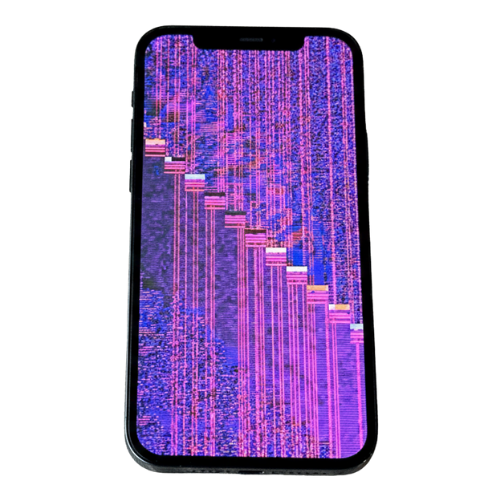
iPhone Software Glitches
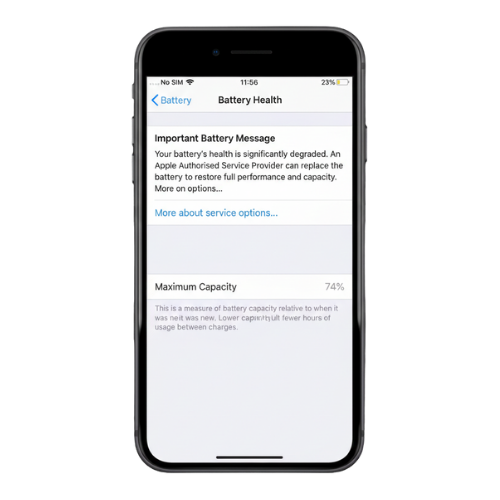
iPhone Battery Health Below 80%
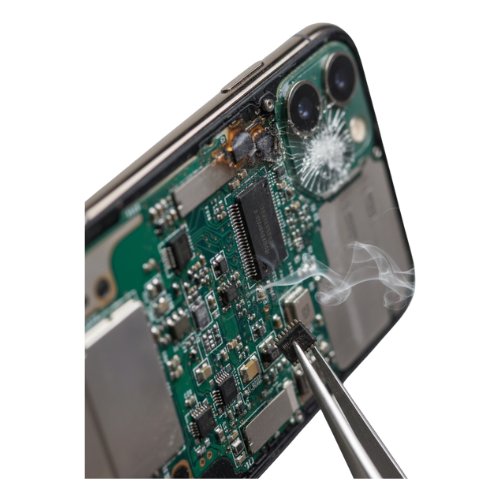
iPhone Motherboard Short Circuit
iPhone Heating Issue? DIY Troubleshooting
- Limit heavy usage & close apps: Stop gaming, streaming, GPS navigation, or multiple apps running at once. Double-tap the Home/gesture bar and swipe away apps you’re not using — people find this noticeably cools the device.
- Update iOS and apps: Outdated software often causes background tasks or bugs that overwork the processor. Update iOS and all apps regularly — this is one of the most-reported solutions online.
- Remove case while charging or heavy use: Many users find that thick or non-ventilated cases trap heat. Taking the case off during charging or long usage helps the iPhone cool faster.
- Check charging habits: Only use Apple-certified (MFi) cables and chargers. Avoid charging in hot places (e.g., under a pillow or in direct sunlight) and don’t run heavy apps while charging — these scenarios are the top causes of heat issues.
- Cool down properly: Stop using the phone, switch to Airplane mode or power off, and let it cool to room temperature before charging or heavy use.
- Turn off background refresh and location services: Many people online report large heat reduction when they disable Background App Refresh and unnecessary location access for apps, since these continuously work in the background.
iPhone Heating Issue Repair With Pickup and Drop Service Near You


2. Book the Service
Share your location and a convenient time with our team to schedule a repair.

3. Sit Back and Relax
Once the repair is complete and your iPhone passes our quality checks, it is delivered back to you.
Bengaluru's Trusted Apple Service Partner
4.7
30K+
50K+
Why Choose Us?

Express Service

Good for your pocket

Good for your planet

Certified parts

Qualified Experts

Upto 12 month warranty
People Who Believe Us

My iPhone was overheating like crazy! Hellore's technicians diagnosed the issue and fixed it remotely within an hour. Super impressed! #ThankyouHellore
Jagjit L.
Dealt with iPhone heating for months. Tried everything! Found Hellore online and their service was amazing. Phone is finally cool again.
Diljeeet D.
Hellore saved the day! My iPhone was burning up and they were able to solve the overheating problem quickly and efficiently. Great job!
Chhavi K.
No more burning hands! Hellore's remote service for iPhone overheating is a lifesaver. Fixed the issue in no time and for a reasonable price.
Tanisha K.
Had an overheating issue with my iPhone. Hellore's online diagnostics were super helpful and their technician fixed it remotely in under an hour. Highly recommend!
Prachi P.
My iPhone was getting super hot. Reached out to Hellore and their online service was fantastic. They diagnosed and fixed the overheating problem remotely. So convenient!
Tina D.
Thanks to Hellore, my overheating iPhone is back to normal! Their online repair service is top-notch. Efficient, professional, and affordable.
Sofia V.
Hellore's online iPhone repair service is a game-changer! Fixed my overheating phone quickly and remotely. No more worries!
Namisha J.
iPhone Repair
Get Convenient, Transparent, and Affordable iPhone Repairs right at your doorstep, completed in just 30 minutes.




FAQs for iPhone Heating Issue
Latest Blogs
_c7a922cf907197fdf4e7dce04f441f3e.png)

_c3ef0aff0ccceefabb9b9f762c364ab3.png)
_8ef6f0d795c550510a40d47a1f7e0924.png)
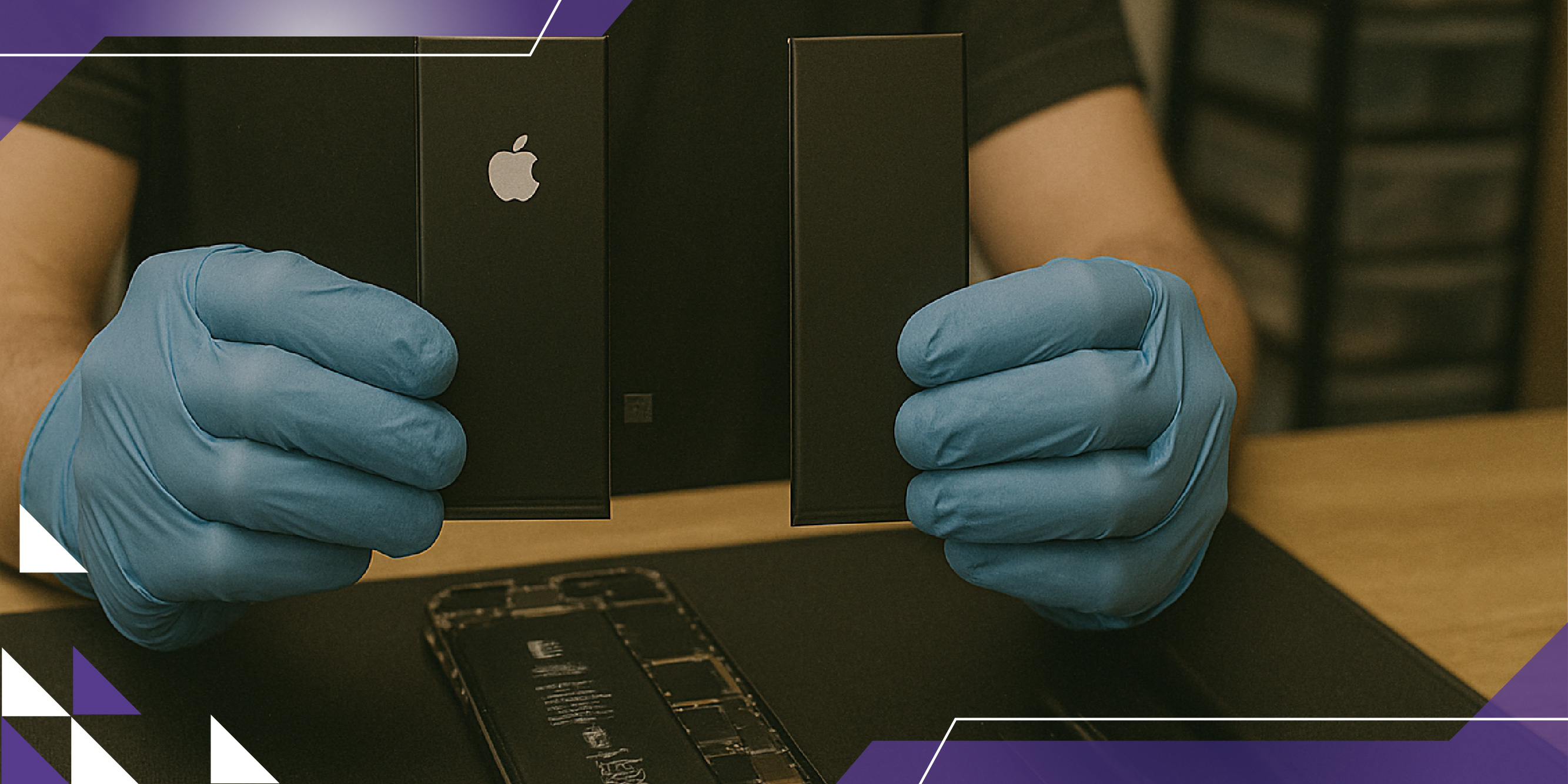
Our Doorstep Pickup and Delivery Available in Bengaluru

Hello Re (Formerly ERIP)
Made with in India
Information
Contact us
No 358, 1st Floor,
22nd Cross, 25th Main,
Sector 2, HSR Layout,
Parangi Palaya,
Bengaluru - 560102