Short answer:
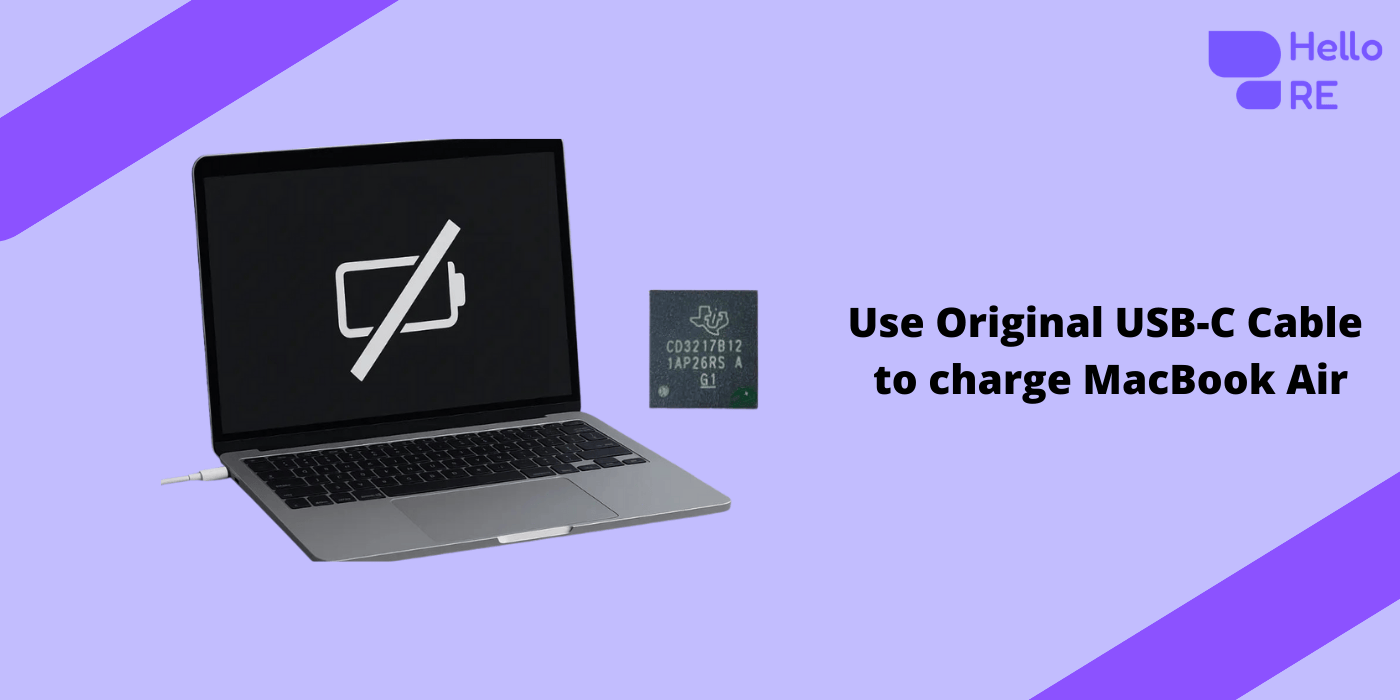
An aftermarket USB-C charging cable can damage the USB-C port controller on an M1 MacBook Air, causing the device to stop turning on and disabling both USB-C ports at once.
What Happened in one of our user Case?
-
Issue: Device completely dead, not turning on
-
User habit: Regular use of an aftermarket USB-C charging cable
The MacBook showed no response, no charging symbol, and no power-on behavior.
Why Aftermarket USB-C Cables Are Dangerous for MacBooks
Aftermarket or low-quality USB-C cables often fail to follow proper USB-C Power Delivery (PD) standards.
This can result in:
-
Incorrect voltage negotiation
-
Power spikes or unstable current
-
Missing protection resistors
-
Poor shielding and grounding
Modern Apple Silicon MacBooks are extremely sensitive to power quality.
What Actually Gets Damaged Inside the MacBook
Inside the MacBook Air are USB-C port controller chips responsible for:
-
Power negotiation
-
Charging control
-
Data communication
When an aftermarket cable misbehaves:
-
The USB-C controller short-circuits or fails
-
Power negotiation collapses
-
The MacBook refuses to turn on
Why Both USB-C Ports Stop Working Together
This is a critical detail most users don’t know.
On the MacBook Air M1 (A2337):
-
Both USB-C ports are paired internally
-
If one port controller fails, the system disables the other port as well
So users often say:
“Both my USB-C ports suddenly died.”
This is not coincidence — it’s by design.
Apple’s Recommendation vs Reality
Apple typically recommends:
-
Full logic board replacement
This approach:
-
Is extremely expensive
-
Often unnecessary
-
May risk data loss
What Was Done Instead (Component-Level Repair)
A chip-level repair was performed:
✔️ Faulty USB-C port controller replaced
✔️ Proper voltage negotiation restored
✔️ Normal current draw returned
✔️ MacBook powered on normally
✔️ All user data preserved
💰 Cost: ~⅓ of Apple’s quoted price
What This Means for You
If your MacBook Air M1:
-
Doesn’t turn on
-
Shows no charging response
-
Was charged using an aftermarket cable
There is a very high chance the USB-C controller is damaged — not the entire logic board.
What You Should Do Next
-
Stop using the aftermarket cable immediately
-
Avoid repeated power attempts
-
Seek a chip-level MacBook repair specialist
-
Don’t rush into logic board replacement
FAQ
Can third-party USB-C cables damage MacBooks?
Yes. Poor-quality cables can destroy USB-C controllers.
Will switching ports fix the issue?
No. Both ports are paired internally.
Is data loss guaranteed?
No. In most controller-failure cases, data remains intact.