_4f3e83fc0c5af5d825ae5247007f4fa4.png)
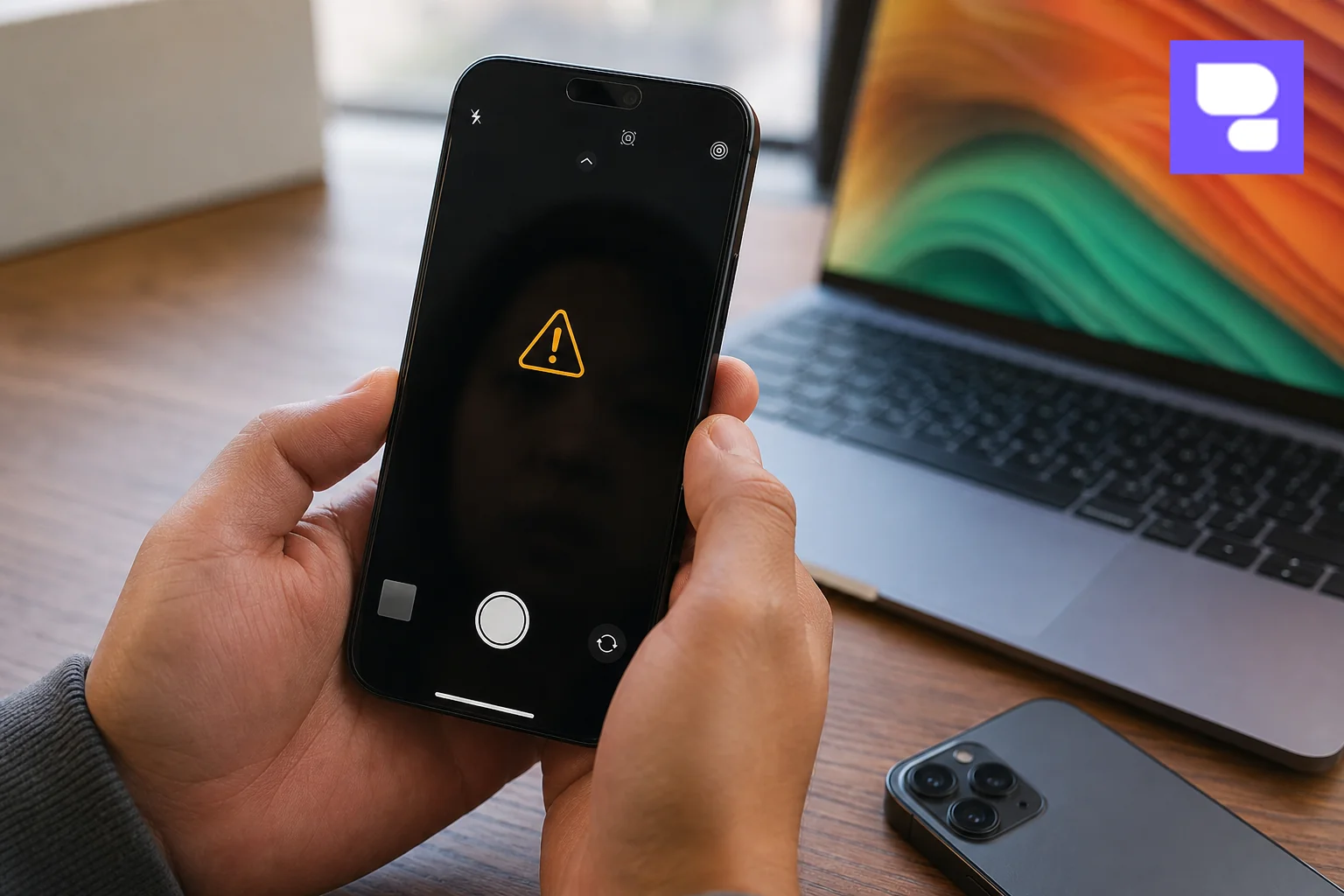
An iPhone camera not working is usually one of three things: a stuck software process, a cracked sapphire lens cover, or a failed flex cable connecting the camera module to the logic board. Force-restarting the phone fixes roughly half of all cases within two minutes; the rest need a technician to test the sensor-shift OIS, the image signal processor, or replace the module itself.
Key Takeaways
- Try the free fix first: Force-closing the Camera app and restarting the iPhone resolves black-screen and freeze issues in a large share of reported cases before any part needs replacing.
- Watch for the "Important Camera Message": This iOS alert almost always signals a hardware fault, often a disconnected or damaged flex cable, not something a software reset can clear.
- Costs vary by lens and model: A cracked rear lens cover replacement costs far less than a full triple-camera module swap on an iPhone 14 Pro or 15 Pro.
- Aftermarket parts risk Face ID and Photonic Engine calibration: Non-OEM camera modules can throw off Deep Fusion image processing and TrueDepth sensor pairing.
- Bangalore traffic makes doorstep repair worth it: A technician arriving in about 30 minutes beats a round trip through Silk Board or Outer Ring Road for a same-day fix.
At a Glance: iPhone Camera Fixes & Costs
| Issue | Likely Cause | Fix Type | Typical Turnaround |
|---|---|---|---|
| Black or frozen camera screen | Software crash | Restart / iOS update | Under 10 minutes |
| "Important Camera Message" alert | Loose or damaged flex cable | Cable reseat or replacement | Same day |
| Cracked rear lens, blurry photos | Physical impact on sapphire cover | Lens cover replacement | 30-45 minutes onsite |
| Green tint or shaky video | OIS/VCM actuator misalignment | Camera module replacement | Same day |
| 0.5x Ultra-Wide lens not responding | Sensor or connector fault on that lens | Module-specific repair | Same day |
| Face ID fails after camera issue | TrueDepth sensor disturbed | Calibration or TrueDepth module repair | Same day to 24 hours |
| Water exposure, no camera image | Corrosion on PMIC or connector | Cleaning, board repair, or module swap | 24-48 hours |
1. Why Is Your iPhone Camera Not Working?
Modern iPhones don't run a simple lens and shutter. They run a small computer built around the image signal processor (ISP) inside the A15, A16, A17 Pro, or A18 Pro chip, which handles Photonic Engine and Deep Fusion processing in real time. When that pipeline breaks, it can look like a hardware failure even when it isn't.
Software glitches are the most common cause. A crashed camera process, a corrupted iOS update, or a third-party app holding the camera hostage in the background can all produce a black screen or a frozen preview.
Hardware causes go deeper. The camera flex cable connects each lens to the logic board's power management IC (PMIC). If that cable loosens from a drop, or the PMIC itself fails, the camera can disappear entirely. Cracks in the sapphire crystal lens cover scatter light before it even reaches the sensor, producing haze or blur that no software fix will touch.
Sensor-shift Optical Image Stabilization, found in iPhone 12 Pro Max and later, relies on a Voice Coil Motor (VCM) actuator physically moving the sensor to counter shake. A knock hard enough to jam that actuator will show up as grinding noise, a static image, or footage that shakes worse than before.
2. Common Error Messages and What They Mean
The "Important Camera Message" alert means iOS has detected the camera hardware isn't communicating properly with the logic board. It's not a bug notice; it's the phone telling you a physical component needs attention.
A black screen inside the Camera app, with the rest of the phone working fine, usually points to software. A green or purple tint across every photo, on the other hand, suggests the sensor itself is degrading or the flex cable connection has partially failed.
- 0.5x Ultra-Wide lens failure: The main and telephoto lenses work, but switching to 0.5x shows a black tile or forces a crash. This usually isolates the fault to that specific lens module.
- OIS vibration or grinding sound: A faint buzzing when you open the camera, paired with shaky footage, points to a stuck VCM actuator.
- Face ID failing right after a camera issue: The TrueDepth camera system shares a connector zone with the front camera. Damage to one often disturbs the dot projector sensor used for Face ID.
- LiDAR scanner errors on Pro models: Portrait mode depth mapping fails or AR apps refuse to load, which can mean the LiDAR sensor's own connector was jarred loose.
3. Step-by-Step Software Troubleshooting (Do This First)
Before booking any repair, run through these checks. They take under five minutes combined and cost nothing.
- Force close and reopen the Camera app. Swipe up from the bottom (or double-click the home button on older models) and swipe the Camera app away, then relaunch it.
- Restart the iPhone. A full power-off and power-on clears most stuck background processes affecting the ISP pipeline.
- Check camera permissions. Go to Settings > Privacy & Security > Camera and confirm the app has access, especially after a recent iOS update.
- Update iOS. Apple frequently patches camera bugs tied to specific chip generations in point releases.
- Reset all settings. Settings > General > Transfer or Reset iPhone > Reset > Reset All Settings clears misconfigured restrictions without touching your photos or apps.
- Physically inspect and clean the lens. Dust, lint, or a cracked screen protector edge near the camera bump can block the sensor entirely. A microfiber cloth solves this more often than people expect.
If the camera still fails after every step above, you're looking at a hardware problem, not a settings issue.
4. How to Diagnose a Hardware Camera Fault
Hardware faults show a pattern that software problems don't: they're consistent, they often follow a drop or spill, and cleaning or restarting makes no difference at all.
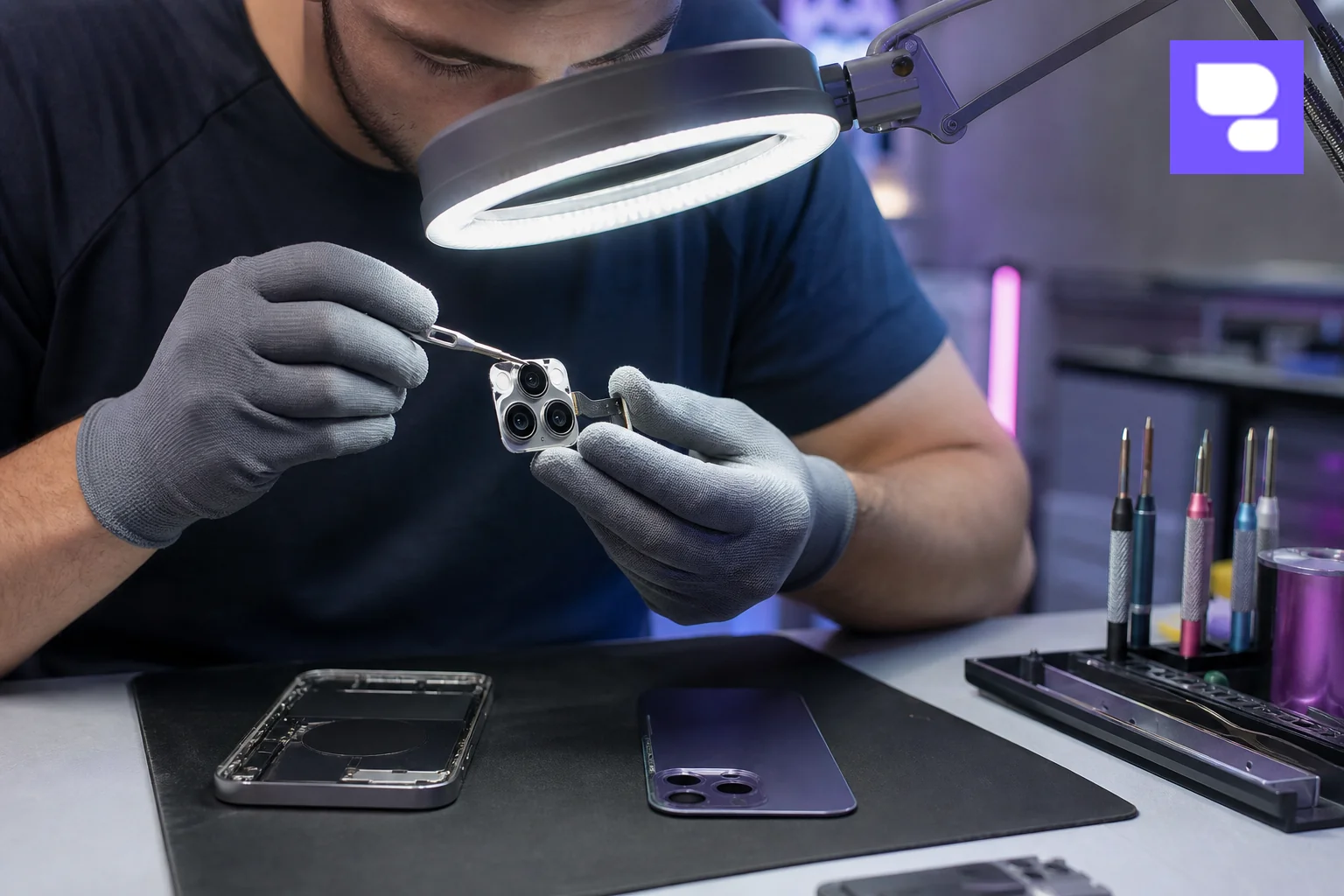
Start with a visual check. Look for a cracked or scratched sapphire lens cover, a raised camera bump that no longer sits flush, or moisture under the lens glass, which points to liquid ingress.
Test every lens individually: main wide, ultra-wide, telephoto (on Pro models), and the TrueDepth front camera. Note which ones fail and whether the failure is a black screen, distortion, or a crash. This narrows the problem to a specific module rather than the whole assembly.
On Pro and Pro Max models, open the Measure app or a portrait-mode shot to confirm the LiDAR scanner responds. If depth data is missing or inconsistent, that scanner's connector may be the fault, separate from the main camera issue.
A grinding or clicking sound when the camera opens is a strong sign the OIS/VCM actuator is physically obstructed, often from a drop that shifted the sensor housing even slightly.
5. iPhone Camera Repair Costs in Bangalore (2026)
Repair pricing depends on which lens failed, whether the flex cable or the full module needs replacing, and the iPhone model's generation. Newer Pro models with sensor-shift OIS and a third lens cost more to fix than a single-camera iPhone SE.
| Repair Type | Complexity | Relative Cost Level |
|---|---|---|
| Rear lens cover (sapphire glass) replacement | Low | Lowest |
| Single camera module (wide or ultra-wide) | Medium | Moderate |
| Front TrueDepth camera module | Medium-High | Moderate to high |
| Full triple-camera module (Pro/Pro Max) | High | Highest |
| Flex cable or PMIC repair on logic board | High (micro-soldering) | Highest |
Exact pricing shifts with part availability and iPhone generation, so it's worth getting a live quote rather than relying on a number that's months old. You can check current diagnostic options or request a free assessment before committing to a repair.
One thing that genuinely affects long-term cost: cheap aftermarket camera modules are sold widely online, and they're rarely worth the savings. They often skip proper OIS calibration entirely, which shows up as shaky video months later, well after any short return window has closed.
6. DIY vs Professional Repair: What You Should (and Shouldn't) Attempt
Cleaning the lens, checking permissions, and restarting the phone are entirely safe to do yourself. Anything past that carries real risk.
Swapping a camera module without the right tools can misalign the OIS actuator or break the tiny flex cable connector, turning a single-lens problem into a dead camera system. It can also break the pairing between the TrueDepth sensor and Face ID, since Apple ties certain security calibrations to the original hardware pairing.
Flex cable and PMIC-level repairs require micro-soldering equipment and an ESD-safe workbench. This is not a kitchen-table job, and a failed attempt often turns a repairable phone into one needing a full logic board swap.
If cleaning and a restart don't restore the camera, stop troubleshooting and get a diagnostic. Opening the phone further without the right tools usually costs more to undo than the original fault.
7. Why Bangalore Users Choose Doorstep Camera Repair
Anyone who has tried crossing Silk Board Junction, Outer Ring Road near Marathahalli, or the Electronic City flyover during peak hours knows a "quick trip" to a repair shop can eat half a workday. Add parking near Koramangala or Indiranagar, and a simple camera fix turns into a three-hour errand.
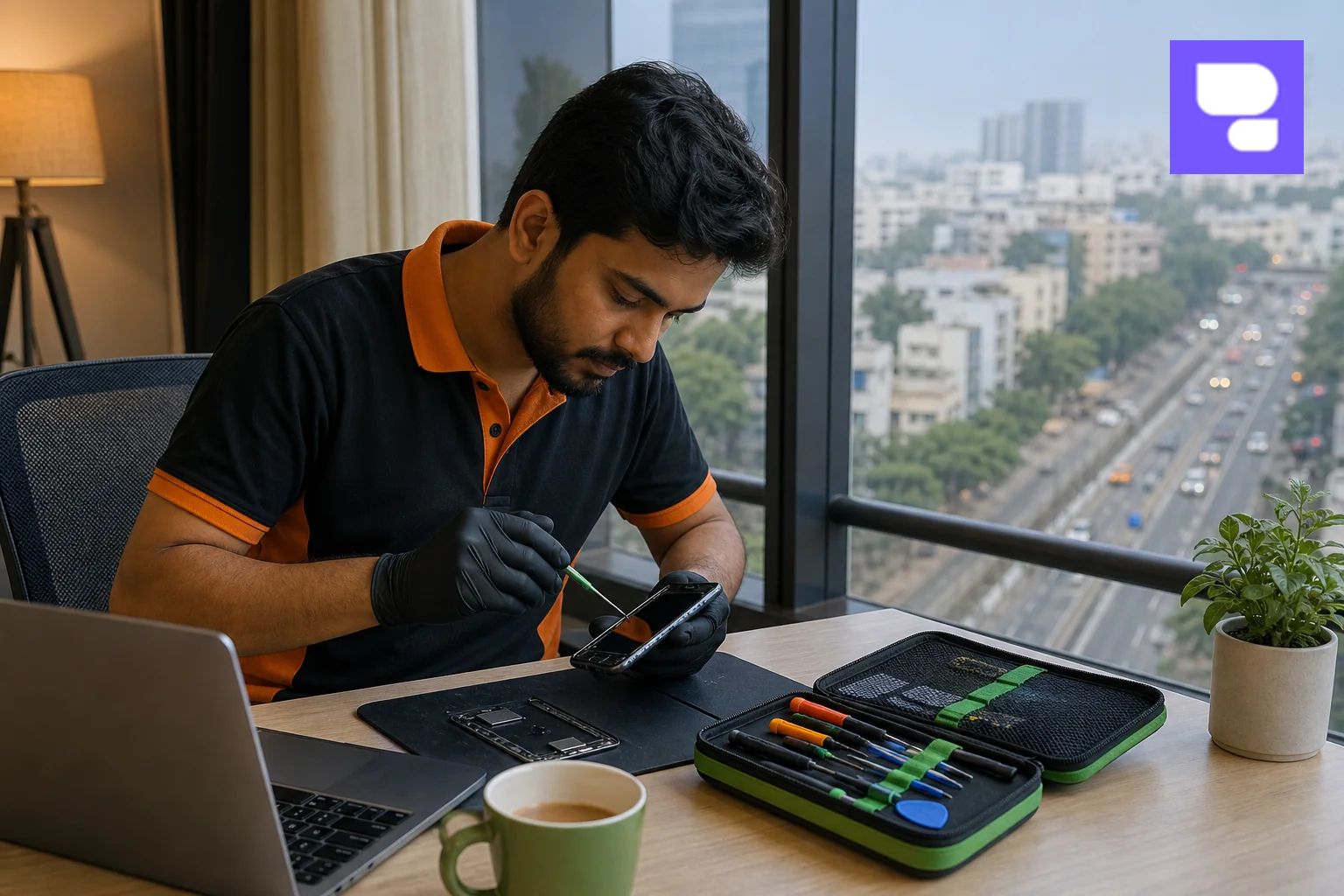
HelloRe's doorstep model sends a certified technician to a home or office anywhere across Bengaluru, typically arriving within about 30 minutes, with most camera repairs completed the same day, on the spot. That means no handing your phone over for 48 hours, and no travel through Whitefield's IT-corridor traffic just to get a lens replaced.
The same visit can often cover more than the camera. If a laptop's FaceTime HD camera is also acting up, or the logic board needs attention, the technician can quote that alongside the phone repair. HelloRe's MacBook doorstep repair service covers exactly this kind of combined visit for households juggling multiple Apple devices.
Working professionals who can't afford downtime benefit the most here. A developer in HSR Layout or a designer in Whitefield loses far less time having a technician arrive at their desk than queuing at a service center across town.
8. How to Prevent Future Camera Damage
A case with a raised lip around the camera bump keeps the sapphire lens cover off flat surfaces, which is where most scratches and cracks start.
Avoid carrying your phone in a tight back pocket. Sitting down puts direct pressure on the rear camera housing, and repeated stress there is a common cause of loosened flex cables over time.
- Wipe the lens with a dry microfiber cloth weekly; grit trapped against sapphire glass causes micro-scratches.
- Install iOS updates promptly, since Apple regularly patches ISP and camera-driver bugs.
- Skip magnetic mounts that aren't MagSafe-certified; strong uncontrolled magnets can interfere with the OIS actuator.
- Get a free diagnostic after any hard drop, even if the camera looks fine, since flex cable damage isn't always visible.
Frequently Asked Questions
Can a software update fix iPhone camera problems?
Yes, for issues caused by a buggy iOS release or a corrupted camera process. Apple ships point updates that specifically patch ISP and camera-driver bugs, so updating is worth trying before assuming a hardware fault.
Is iPhone camera repair covered under Apple's warranty?
It depends on whether the phone is still under AppleCare or the standard one-year warranty, and whether the damage counts as accidental. Physical damage from a drop typically isn't covered under the standard warranty and needs a paid repair.
How long does an iPhone camera repair actually take?
A lens cover swap or software fix usually takes 30 to 45 minutes onsite. A full camera module or flex cable repair typically finishes the same day when handled by a certified technician with the part in stock.
Does third-party camera repair affect Face ID?
It can, if the technician doesn't recalibrate the TrueDepth sensor properly after the repair. Using OEM-grade parts and a technician experienced with Apple's pairing requirements avoids this issue in almost all cases.
Why does my Ultra-Wide 0.5x lens fail while the main camera works fine?
Each lens on iPhone 13 and later has its own sensor and connector to the logic board. A fault in one, like a loose ultra-wide connector, doesn't necessarily affect the main or telephoto lens.
A camera that won't focus, won't open, or throws an "Important Camera Message" alert isn't something to keep restarting hopefully. If the software steps above didn't fix it, repair my device now with a certified technician who can diagnose the exact fault, whether it's the flex cable, the OIS actuator, or a cracked lens cover, and quote you honestly before touching anything. Bangalore residents can book a repair now for a same-day doorstep visit, browse HelloRe's doorstep repair service details, or check the full Apple service center offerings for iPhone, iPad, MacBook, AirPods, and Apple Watch. For a broader look at screen, battery, and glass fixes, see the full range of iPhone repairs, or reach out through Contact Us with questions before you book.