Apple Watch Repair Cost in Bangalore - Affordable & Expert Service at HelloRe
Your Trusted Apple Watch Repair Specialists - Fast & Reliable Services!
Your Queries, Our Expertise
How Can We Assist You Today?
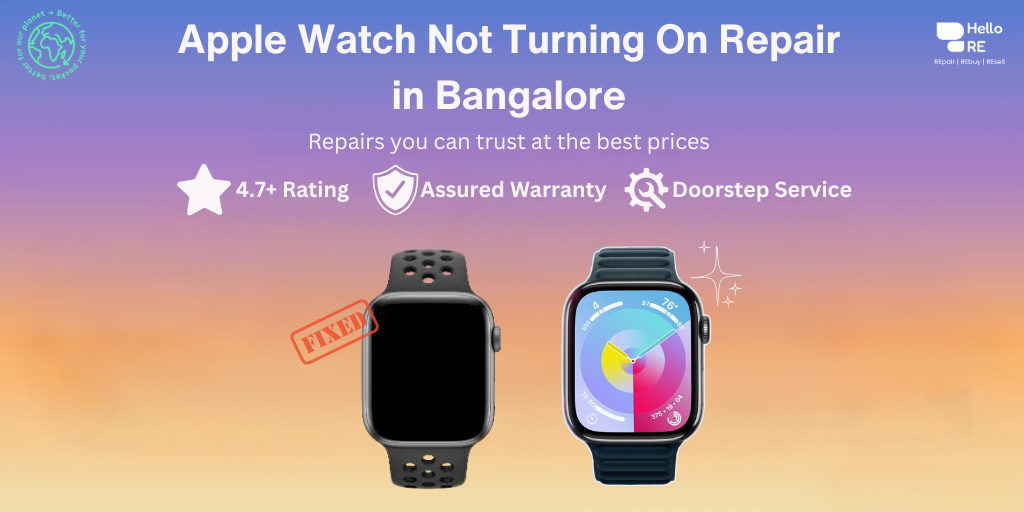
It can be extremely annoying when your Apple Watch device won't power on. Having an entirely dark screen and an unresponsive Apple Watch is nothing short of a nightmare. There can be times when you want to turn off your Apple Watch device for some time. However, if that happens automatically and your Apple Watch device refuses to start up, it can be dead scary. The technicians at HelloRE are trained and equipped to do the Apple Watch repair. If the Apple Watch is not turning on we can repair it for you at an affordable cost. All parts used by the technicians of HelloRE are of high quality and come with a 6 months warranty.
When is it Necessary to Get My Apple Watch Not Turning On Repaired?
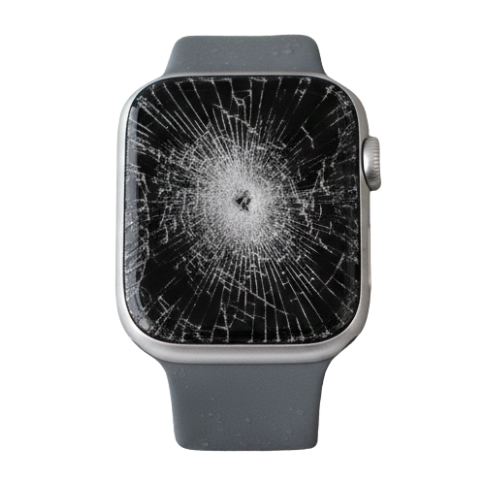
iWatch Physical Damage
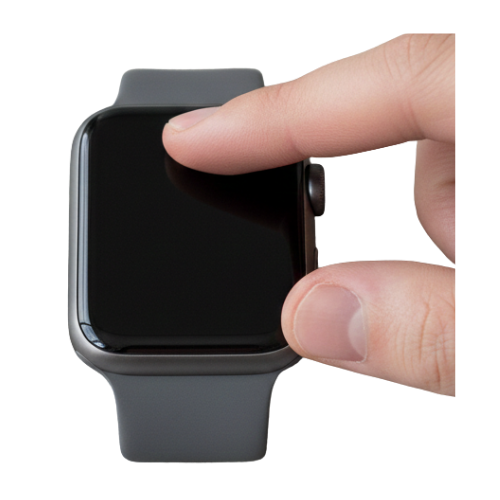
iWatch Not Responsive

iWatch Water Damage
Whats the Average Cost to Repair an Apple Watch Not Turning On in Bangalore?
Turn off Power Reserve mode
1. Your Apple Watch may be in Power Reserve mode, which helps preserve battery life by limiting all watch functions except for showing you the time.
2. To get your Apple Watch out of Power Reserve mode, press and hold the Side button until the Apple logo appears. Then wait for your watch to restart.
Turn off Screen Curtain
Screen Curtain is a feature that turns off the screen on your iPhone, iPad, Mac, or Apple Watch when you have VoiceOver enabled. Here's how to turn it off and see if that's why your Apple Watch won't turn on.
1. Open the Apple Watch app on your iPhone and tap the My Watch tab.
2. Tap Accessibility > VoiceOver, then turn Screen Curtain off.
Check your charging cable
If you don't see a green lightning bolt when your watch is charging, you may have an issue with your charger. Check to see if your charging cable is plugged into the USB power adapter, if your adapter is securely connected to a power outlet, and if your watch is properly on the charger.
Make sure you're using the Apple Watch Magnetic Charging Cable or the Apple Watch Magnetic Fast Charger to USB-C Cable that came with your device. Also, don't forget to remove any plastic wrap from both sides of the charger.
Test other chargers
Still having trouble? Try using a different stand, cord, or adapter to see if that solves the problem.
Force restart your Apple Watch
If you've tried the above steps and your Apple Watch still won't turn on, you may need to try a force restart. Here's how:
1. Press and hold the circular Digital Crown and the Side button at the same time for 10-15 seconds.
2. When you see the Apple logo, let go of the buttons and wait for your watch to turn on.
If you are still unable to turn on your Apple Watch after trying these steps, you can contact HelloRE for further assistance. We can diagnose the issue and help you determine the best course of action.
Apple Watch Not Turning On Repair With Pickup and Drop Service Near You


2. Book the Service
Share your location and a convenient time with our team to schedule a repair.

3. PickUp and Drop Service
We pick up your device from your location, complete the repair, perform thorough quality checks, and deliver it safely back to you.
Bengaluru's Trusted Apple Service Partner
4.7
30K+
50K+
Why Choose HelloRE?

Expert Technicians
Our team comprises seasoned professionals with extensive experience in iWatch not turning on repair repairs. They are trained to handle all aspects of iWatch not turning on repair replacement with precision and care.

Genuine Parts
We use premium-quality iWatch not turning on repair that meet high durability and performance standards, ensuring long-lasting reliability and a superior experience.

PickUp & Drop Service
Enjoy the convenience of our iWatch not turning on repair service. Our technicians are equipped to handle the iWatch not turning on repair, providing maximum convenience.

Customer Satisfaction
Over 30,000 satisfied customers trust HelloRE for their repair needs. Our commitment to quality and customer service has earned us a reputation for excellence in Bangalore.
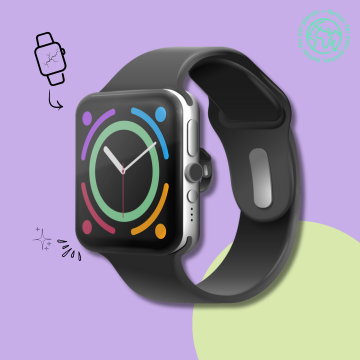
Apple Watch Repair
Experience hassle-free Apple Watch repairs with our transparent, affordable, and convenient solutions.

Latest Blogs
_c7a922cf907197fdf4e7dce04f441f3e.png)

_c3ef0aff0ccceefabb9b9f762c364ab3.png)
_8ef6f0d795c550510a40d47a1f7e0924.png)
Our Doorstep Pickup and Delivery Available in Bengaluru

Hello Re (Formerly ERIP)
Made with in India
Information
Contact us
No 358, 1st Floor,
22nd Cross, 25th Main,
Sector 2, HSR Layout,
Parangi Palaya,
Bengaluru - 560102